Web Development
Website themes
A theme is a complete, production-grade website whose design is the product. You see it live, with a fictional business in it, and choose the one that feels like you — then we replace the content with yours.
Every theme takes any sector's content. The suggestions under "best for" are guidance, not a restriction.
Website themes
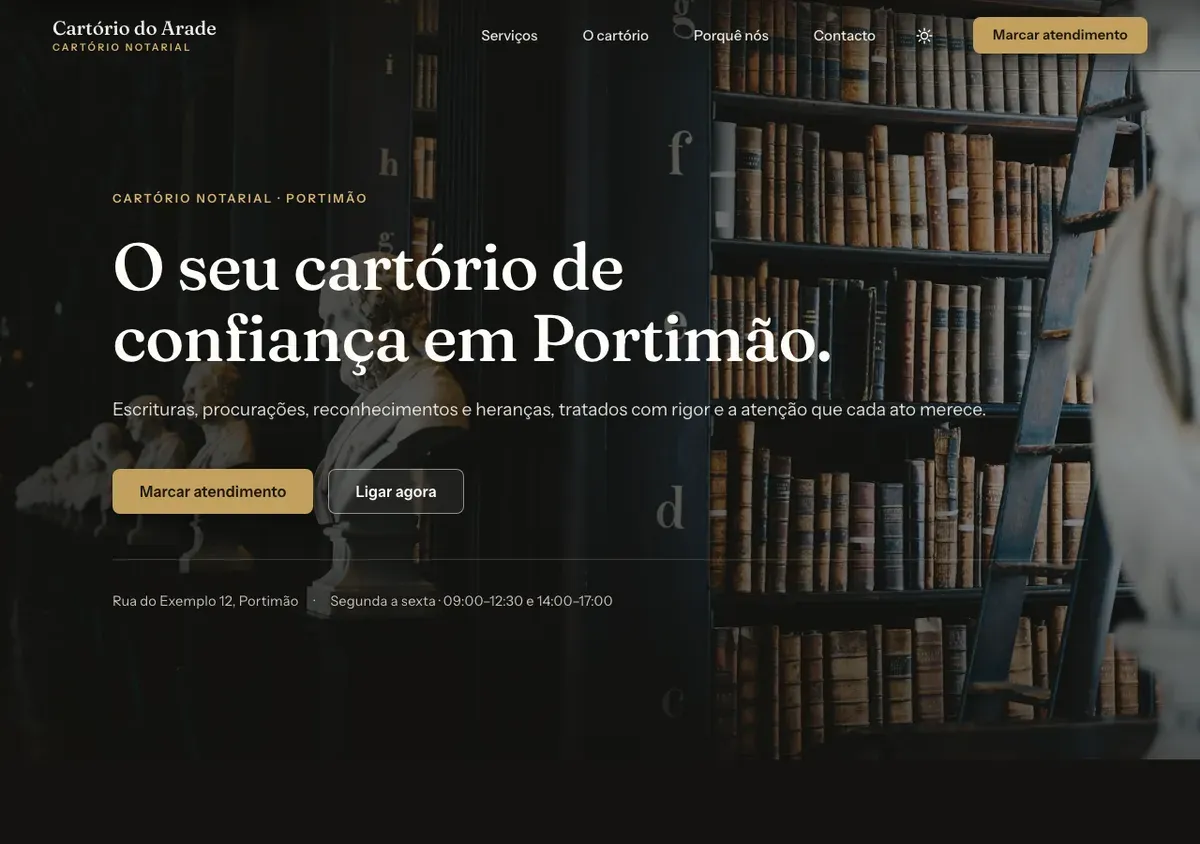
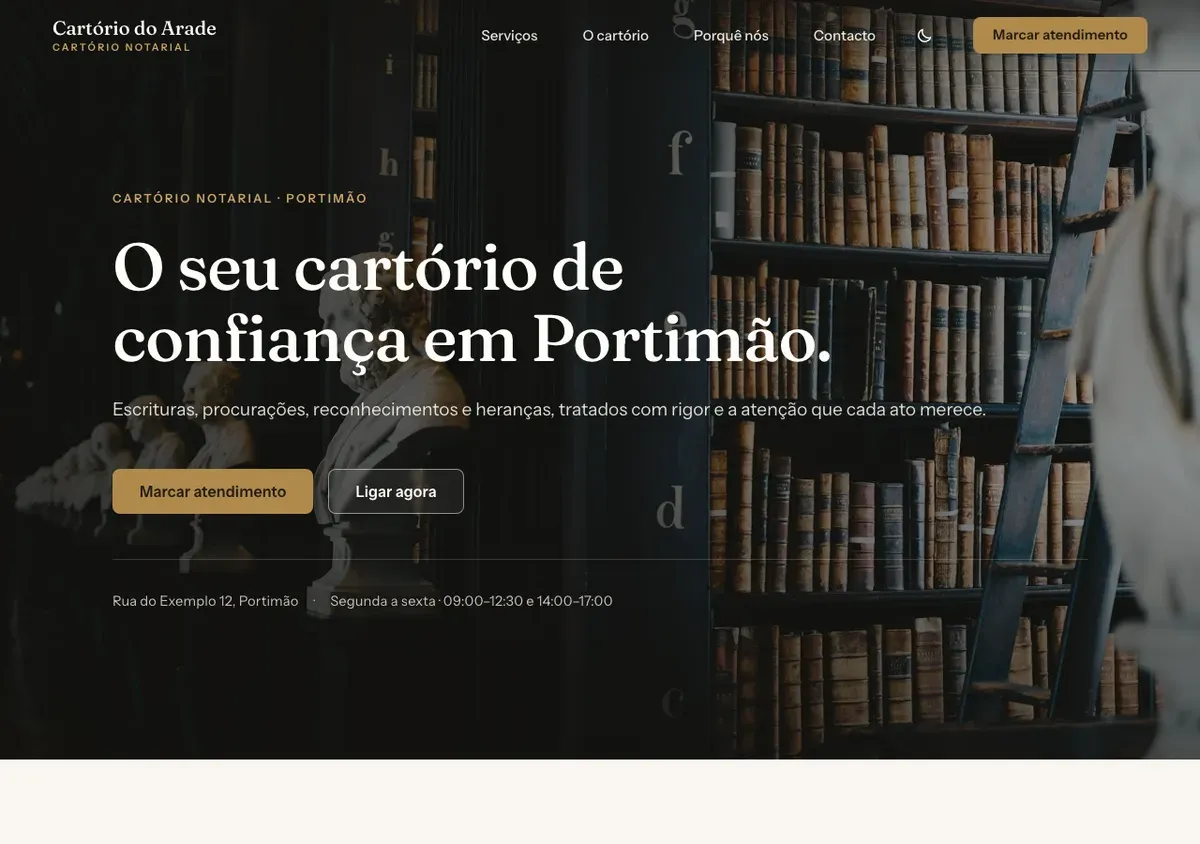
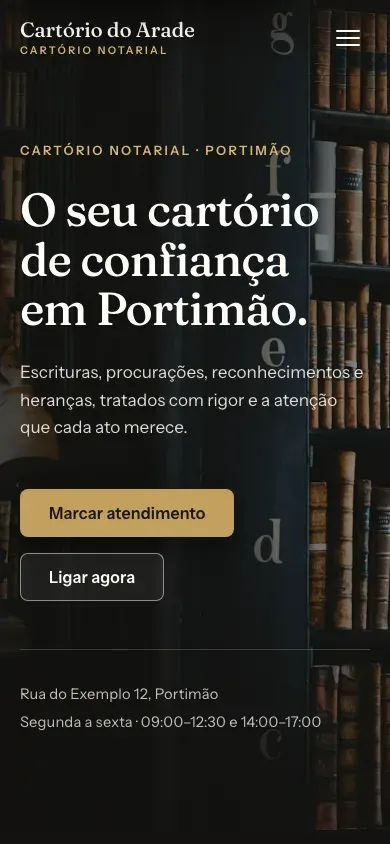
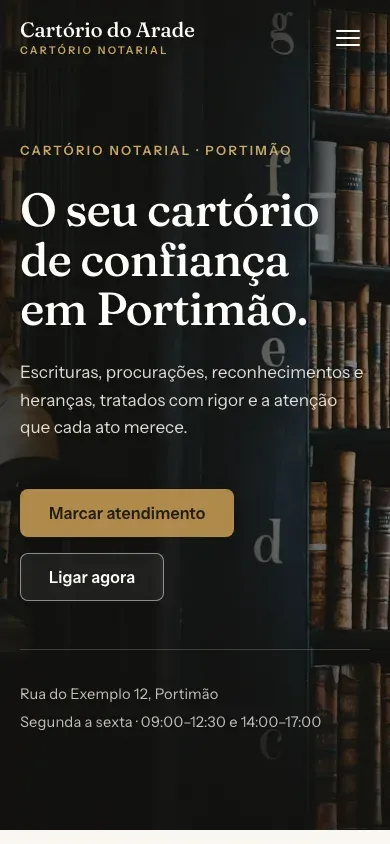
Aurelia
Antique Gold — a cream page, white cards and oatmeal bands, one antique-gold accent and a real dark palette. Calm, established, editorial.
Identity
- Palette
- Cream
- White
- Oatmeal
- Antique gold
- Ink
- Typefaces
- Fraunces for headings, Instrument Sans for text
Structure
- Hero with photography and one primary call to action
- Services as photo cards, each opening its own page
- About, trust points and testimonials (hidden until there are real ones)
- Contact section with the form on the home page, then FAQ
- Privacy, legal notice, accessibility statement and a branded 404
Best for
- Notaries
- Law firms
- Boutique professional practices
Guidance, not a restriction — any theme takes any sector's content.
See the live demo — Aurelia opens in a new tab
The demo shows a fictional notary office in Portimão — the people, numbers and testimonials are placeholders and say so on the page.
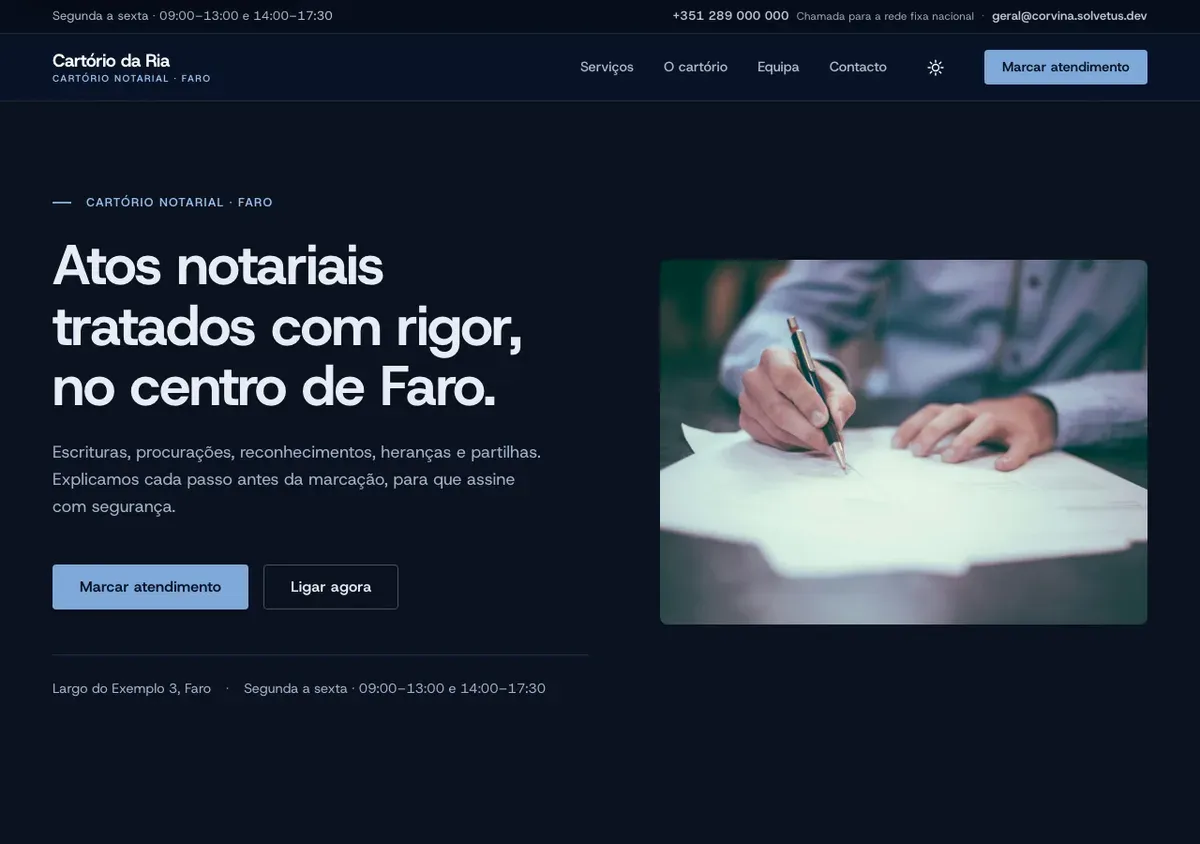
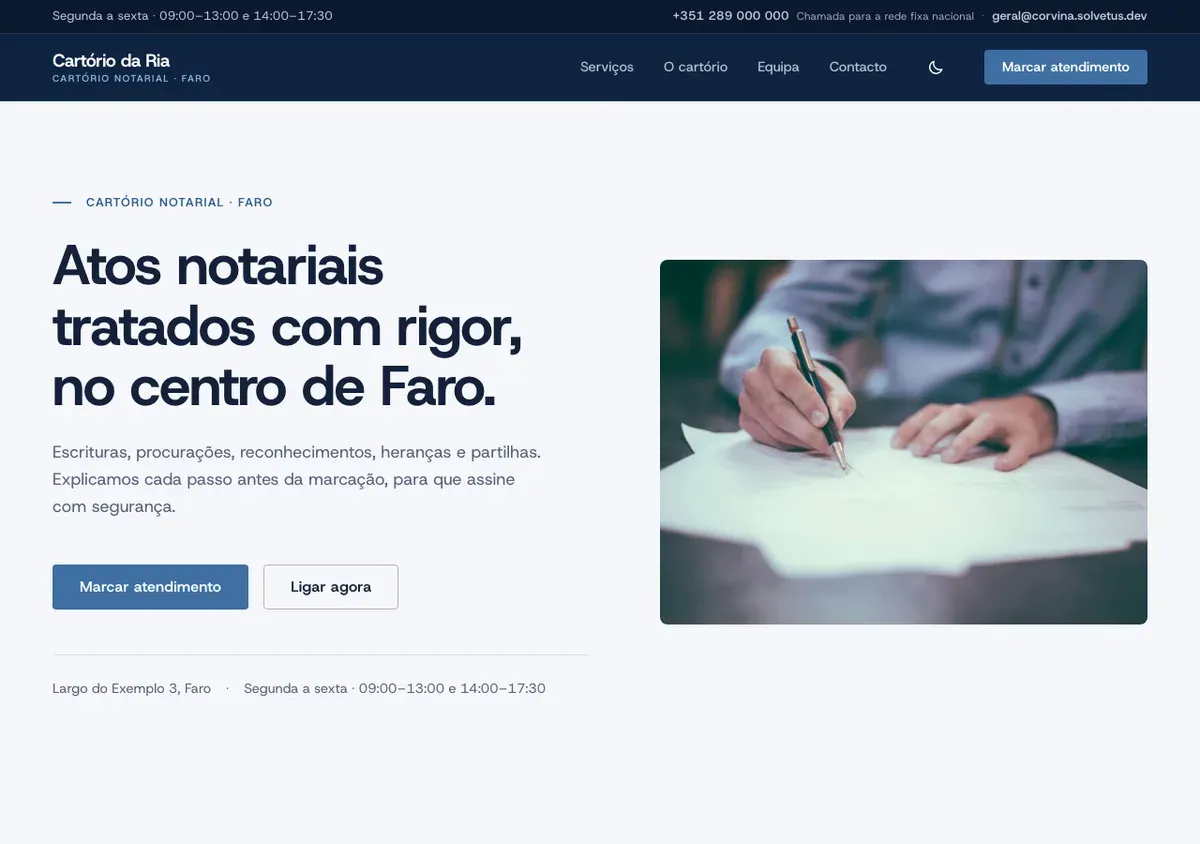
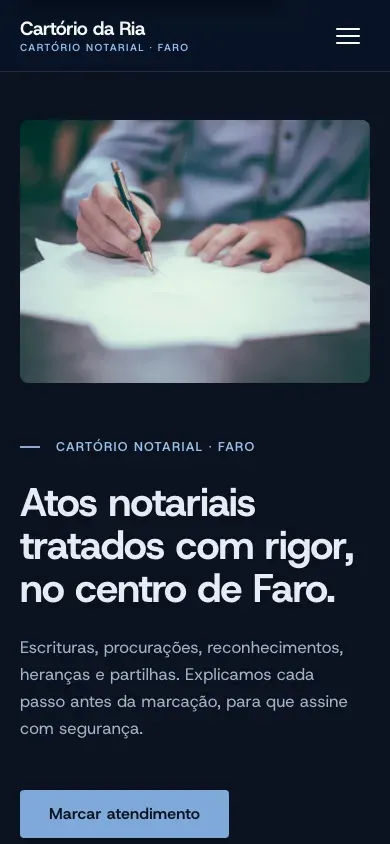
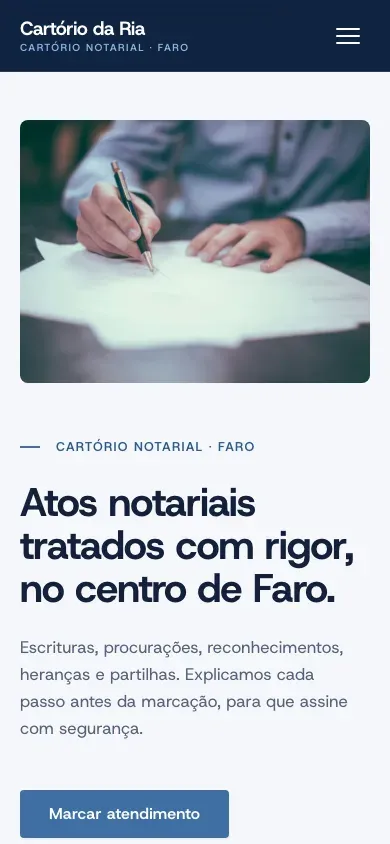
Corvina
Ink & Steel — a navy structure (header, footer, bands), one steel-blue accent, cool neutrals and a real dark palette. Precise, institutional, confident.
Identity
- Palette
- Navy
- Steel
- Cloud
- Slate
- Ink
- Typefaces
- Host Grotesk throughout — one neutral grotesque, bold for headings
Structure
- Utility bar with hours, phone and e-mail, then a split hero
- About, six icon service cards and a four-step "how we work"
- Stats band, testimonials and team (labelled as demo), CTA band, newsletter
- Services index and service pages with a sidebar
- Contact page with a static map, the form and FAQ; legal pages and accessibility statement
Best for
- Notaries
- Clinics
- Engineering and consulting offices
Guidance, not a restriction — any theme takes any sector's content.
See the live demo — Corvina opens in a new tab
The demo shows a fictional notary office in Faro — a different fiction from Aurelia's, so the two never read as one office restyled; people, numbers and testimonials are placeholders and say so.
Salicornia
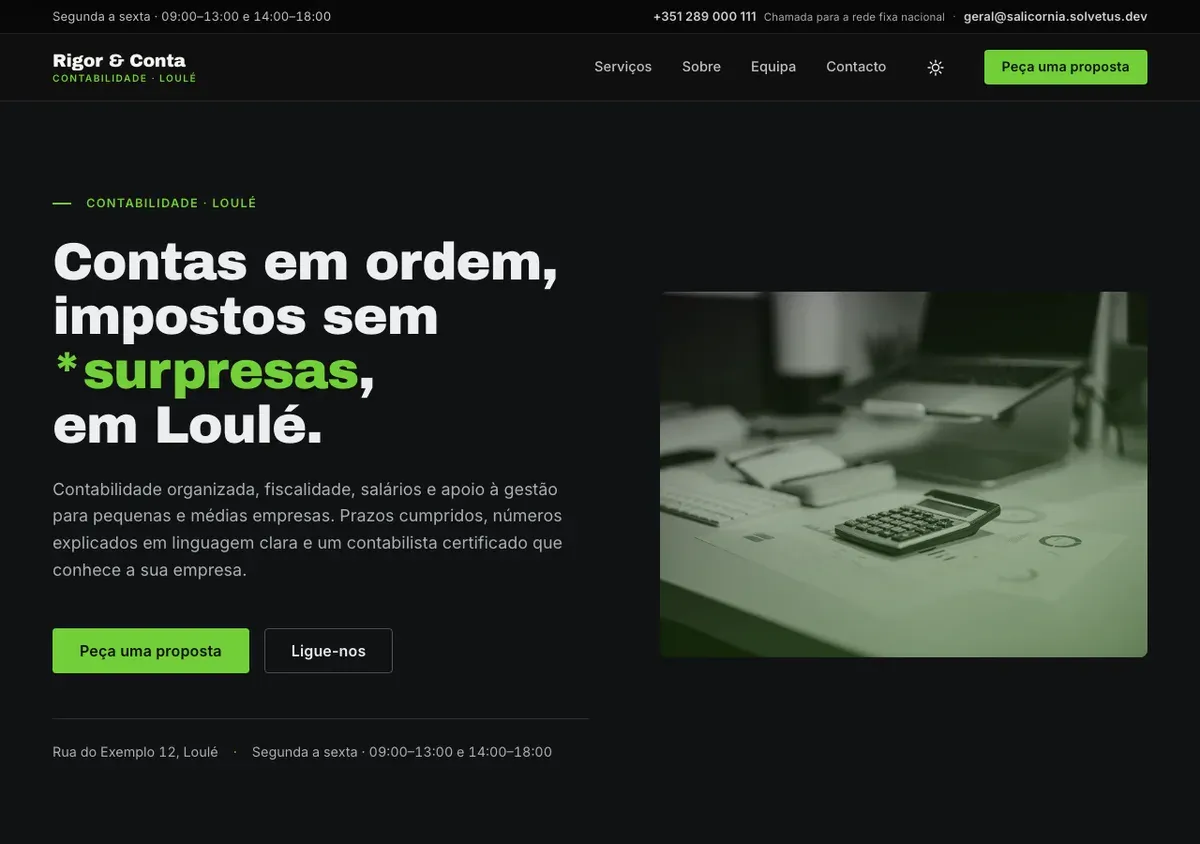
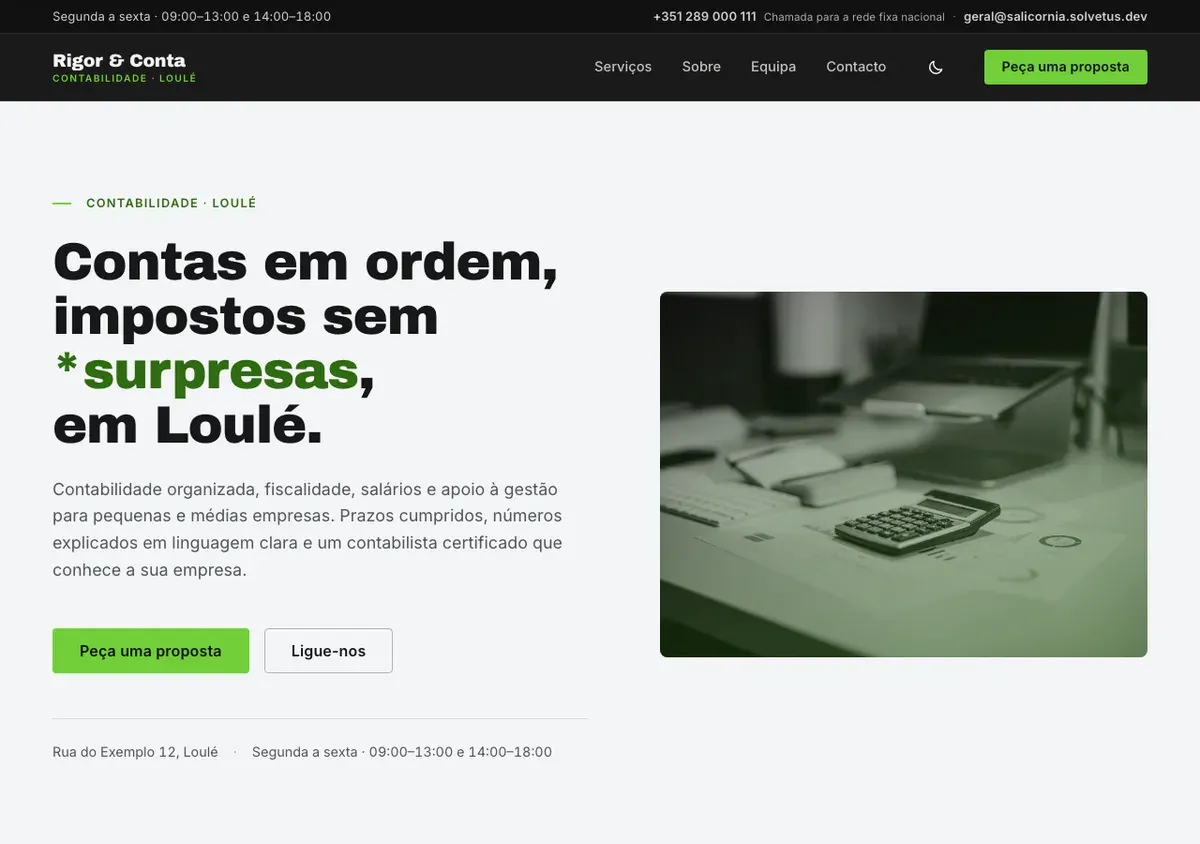
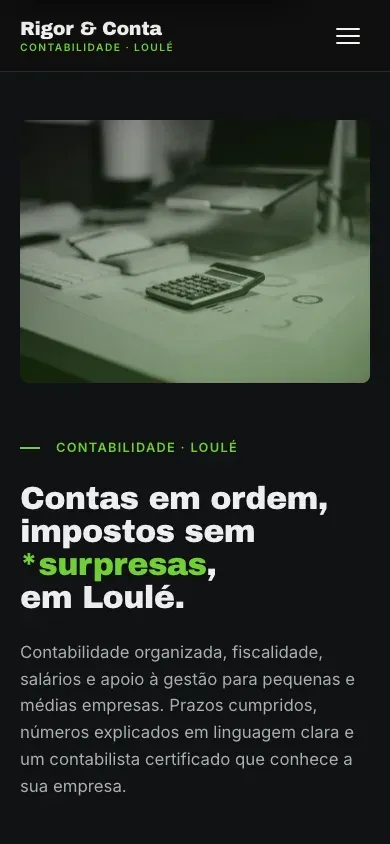
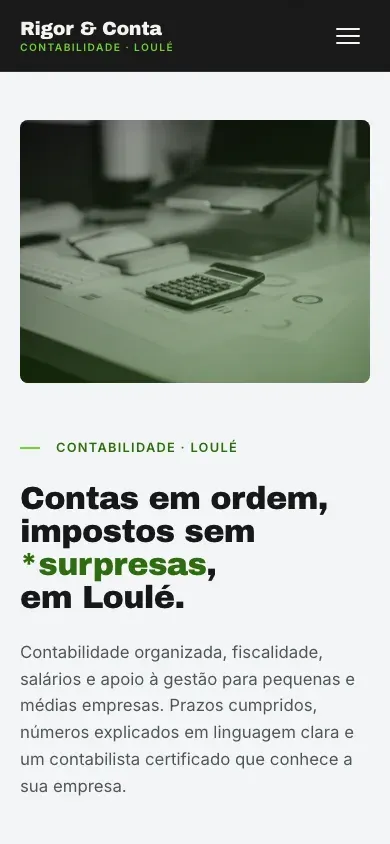
Charcoal & Lime — a charcoal structure in both modes, cool neutrals, one lime accent and black-and-white photography. Bold, contemporary, sharp.
Identity
- Palette
- Charcoal
- Lime
- Deep lime
- Page
- Alt
- Typefaces
- Archivo Black for headings, Inter for text
Structure
- Corvina's inventory — utility bar, split hero, steps, stats, team, CTA band, newsletter, sidebar service pages, contact page
- About with a duotone photo frame and an experience badge
- A quote band mid-page carrying the contact form
- Eight icon service cards and an asterisk accent on every heading
- Black-and-white photography; legal pages and accessibility statement
Best for
- Accountants
- Financial advisers
- Firms wanting a bold, contemporary look
Guidance, not a restriction — any theme takes any sector's content.
See the live demo — Salicornia opens in a new tab
The demo shows a fictional accounting practice in Loulé — people, numbers and testimonials are placeholders and say so on the page.
Included on every theme
- You edit it yourself — pages, text and photos — in a simple editor, no developer needed.
- Built to WCAG 2.2 level AA, with a published accessibility statement.
- Light and dark mode, following the visitor's device or their choice.
- Zero third-party requests, so no cookie banner.
- Your own domain and your own accounts — you own everything.
- One to five languages.
From the demo to your site
Choosing a theme is the short part. Here is what turns the demo into your website.
Your content and photos
Real text, real photography, your legal details — the fictional business goes.
Your domain and accounts
The site lives on your domain, in accounts you own; we never hold your keys.
A working contact form
Delivered to your mailbox, first-party, with no third-party relay.
Analytics without cookies
Self-hosted Matomo, first-party, so there is still no banner.
Indexing
Search engines are let in only when the site is yours and ready.
Frequently asked questions
Can I change the layout later?
Sections can be added, removed and reordered, and the design system stays consistent whatever you do. A different look is a different theme.
Is the demo a real client?
No. Every demo shows a fictional business and says so on the page — we never show a client's site as a theme.
Can I edit the site myself?
Yes. Text, photos and pages are edited in a simple editor; the site rebuilds and publishes automatically.
What about accessibility?
Each theme ships the same automated checks as this site and a published accessibility statement. What has not been tested is stated plainly there.
Can a theme work in my language?
Yes — one to five languages, each with its own editor tab. The demos show one language; the scaffolding for the others is already in place.
Seen one you like?
Tell us which theme and what your business does — we come back with the steps and a timeline.